Image Preprocessing
Preprocessing operations enhance the image data before sending it to other modules for recognition.
Their purpose is to increase the chances of accurate recognition.
Examples of preprocessing
Skew correction (or deskew)
Skew correction is typically used for images that are scanned out of alignment or photographed from a low angle.
Go to Class CDeskew in the API REFERENCE for more details.
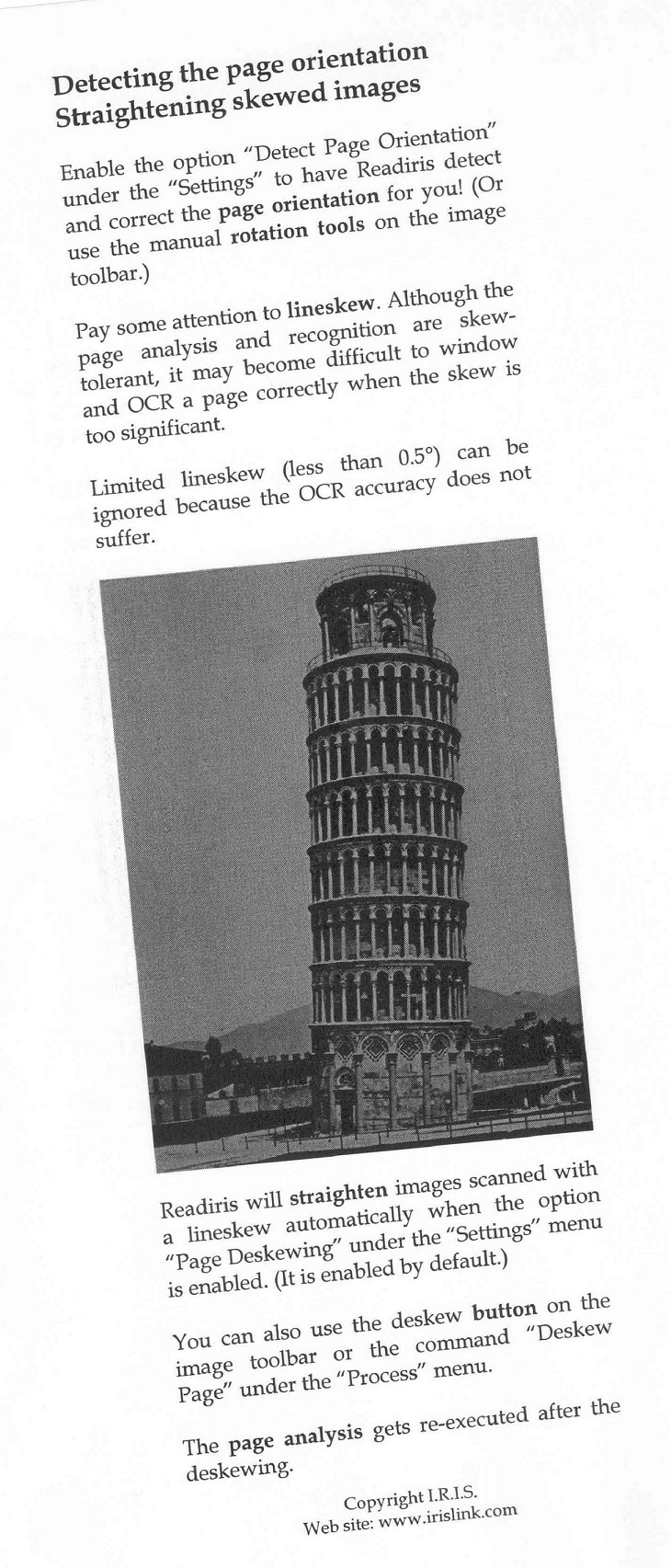
Image. Before deskew
|
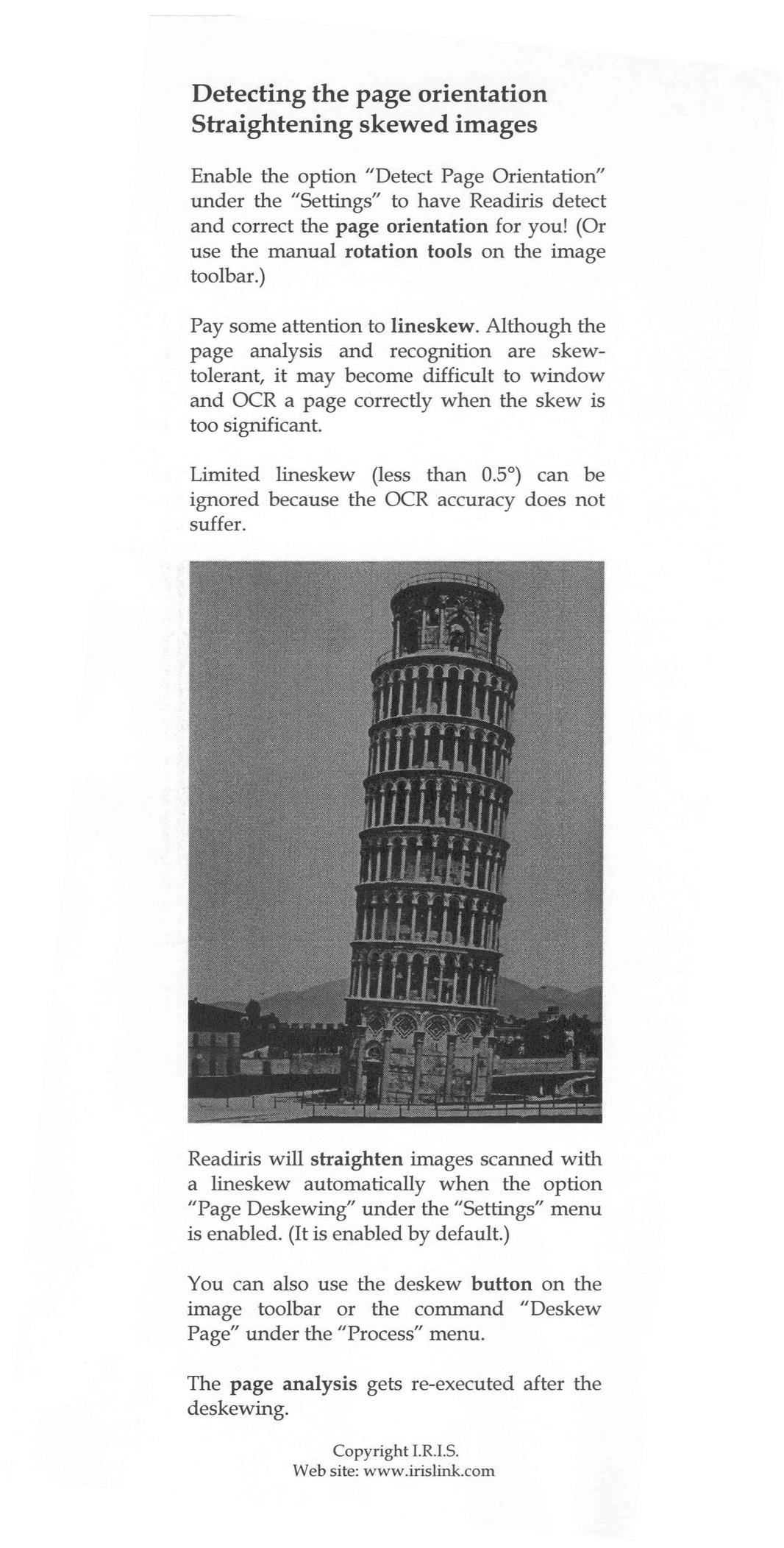
Image. After deskew
|
Perspective correction
The CameraImage extension (of the preprocessing module) corrects the perspective of images captured by a camera.
Perspective distortions are a common phenomenon in camera-captured document images and their correction is highly recommended because it greatly increases the accuracy of recognition. The CPerspective class can be used for all types of document images (document images containing barcodes, printed or handwritten text).
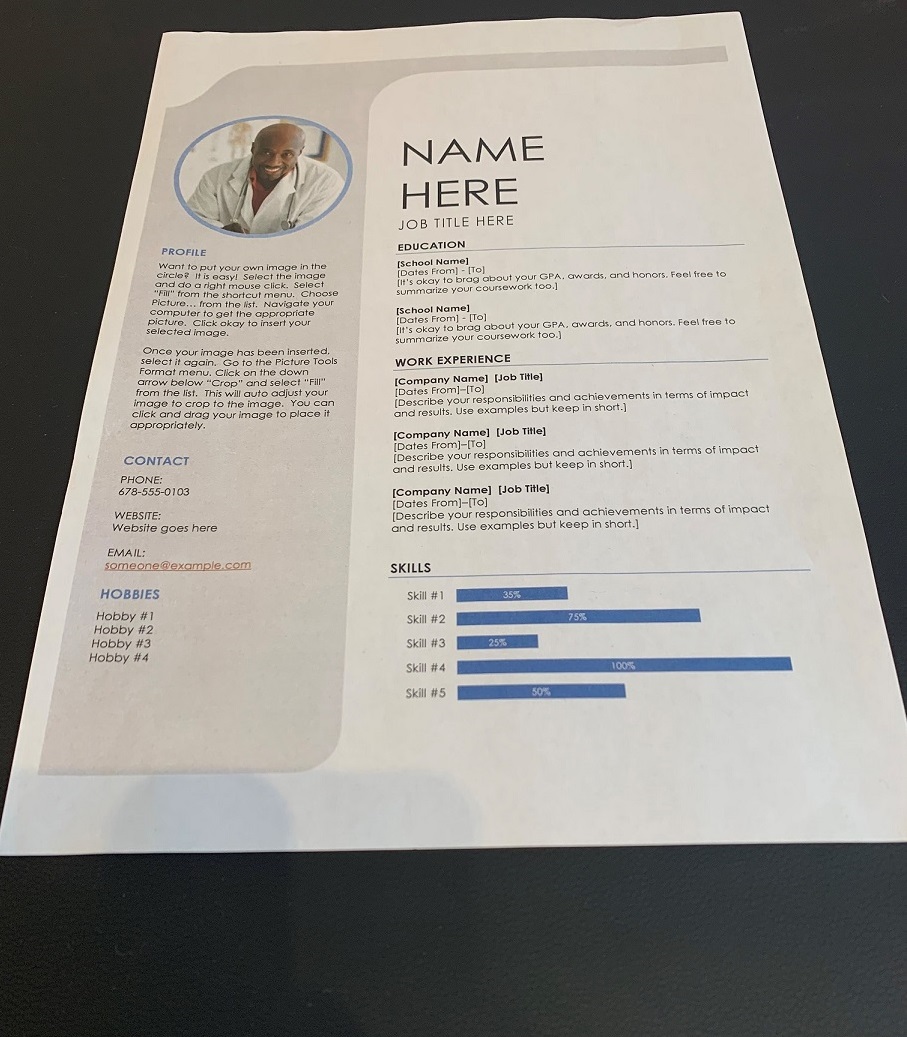
Image. Before perspective correction
|
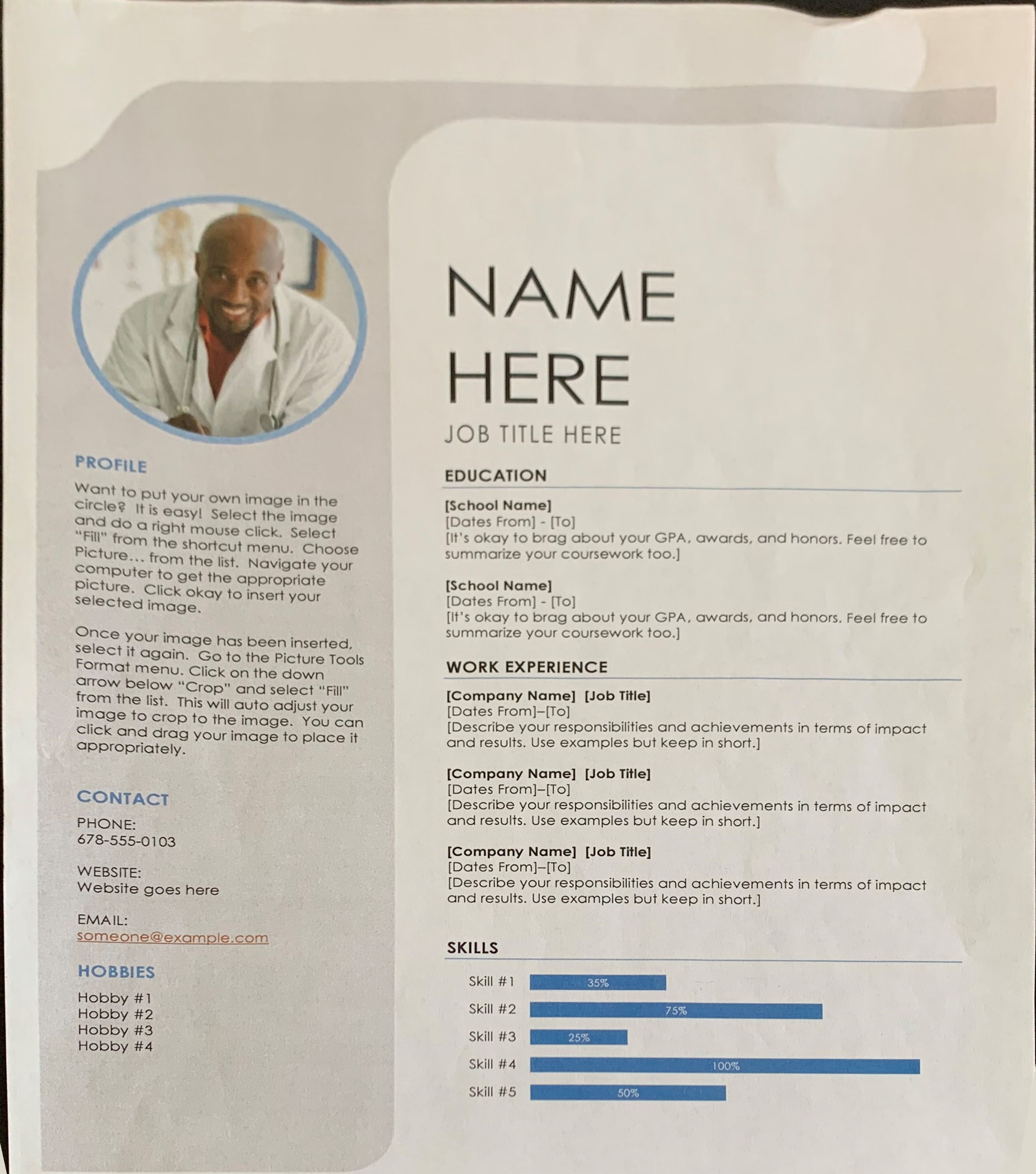
Image. After perspective correction (+ cropping)
|
A pre-step to perspective correction is corner detection. This is performed before the perspective correction in order to increase the success rate. Go to Class CPerspective > DetectDocumentCorners in the API REFERENCE for more details.
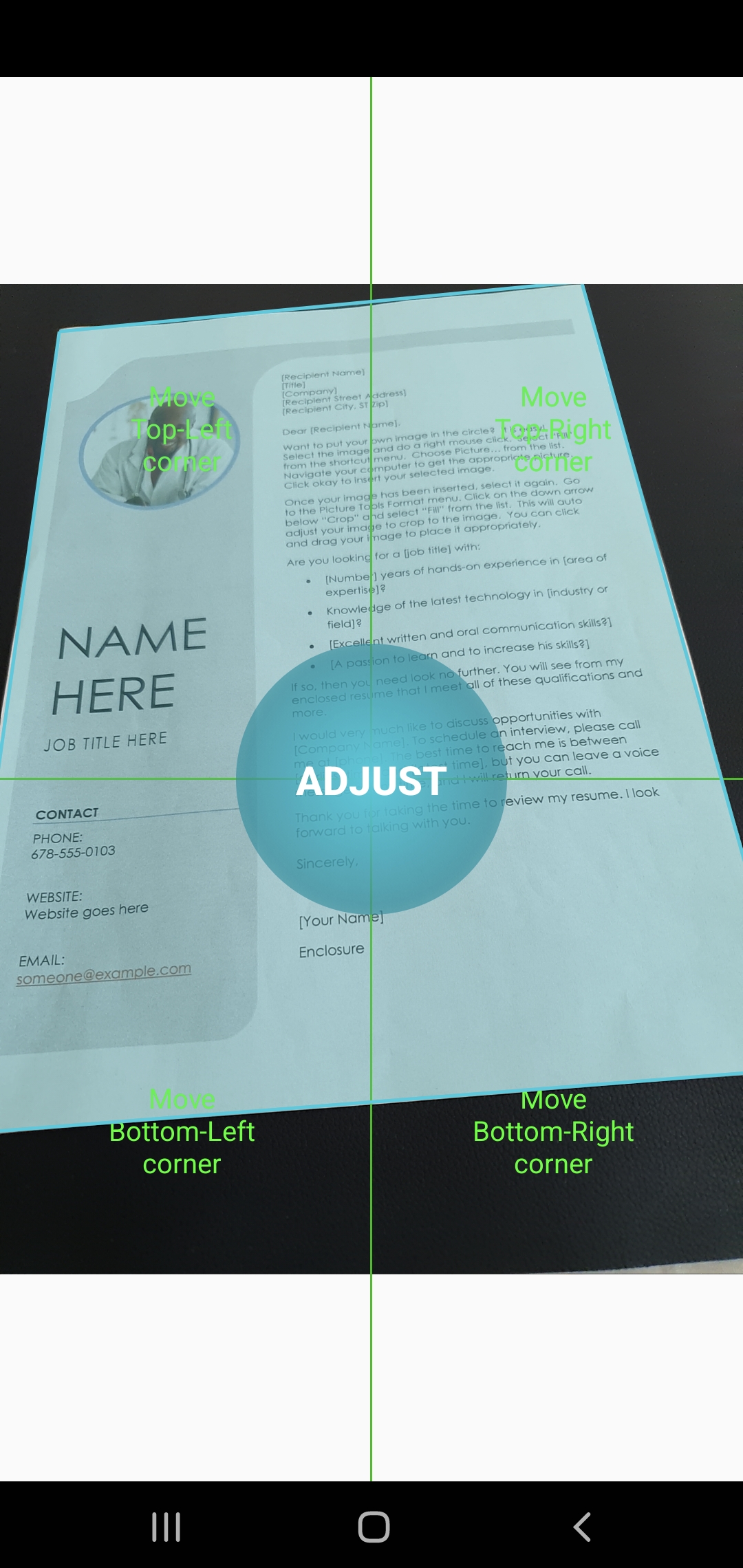
Image. Before corner detection
|

Image. After corner detection
|